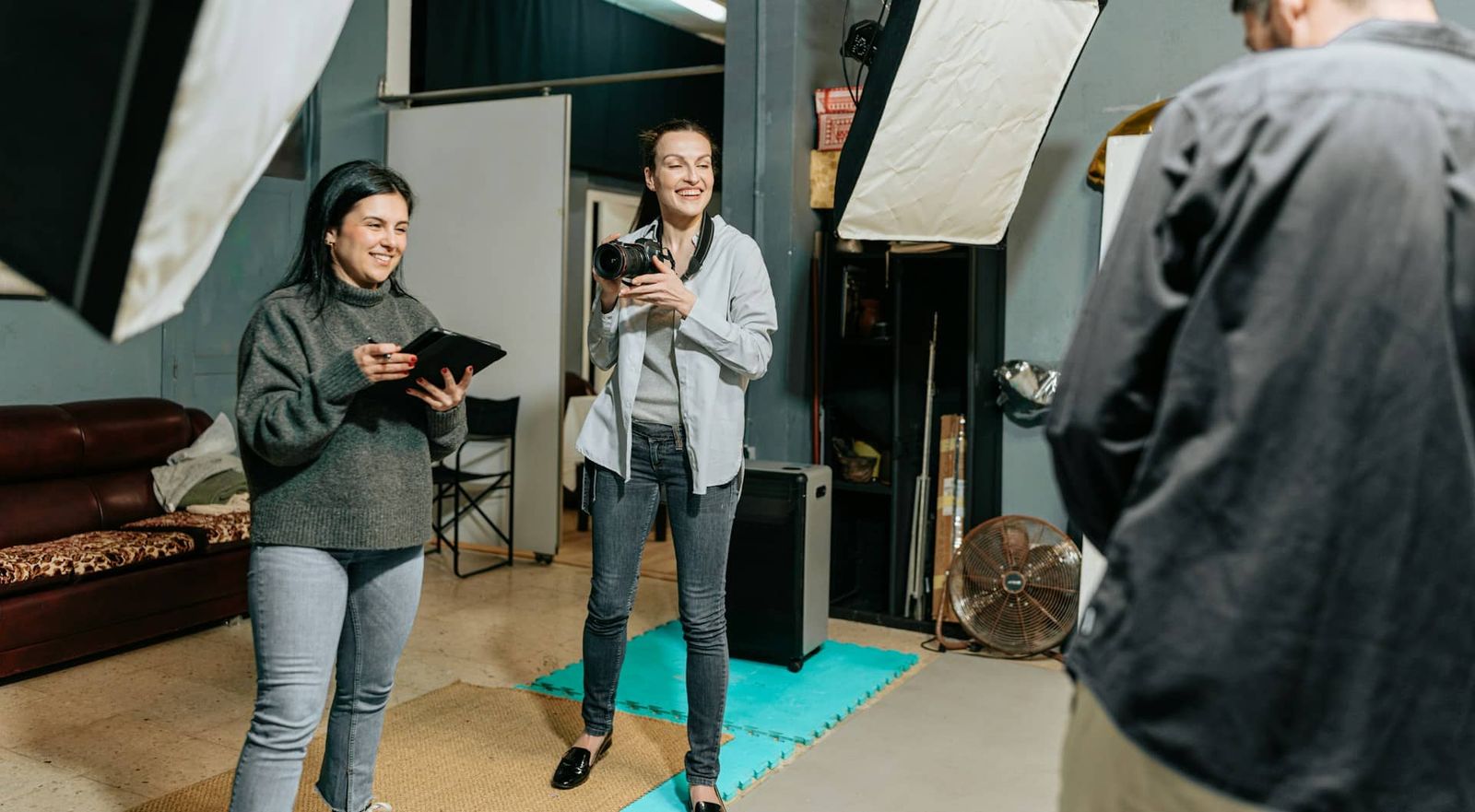
High-volume photo sessions put many subjects, products, or setups into one booking. They need a realistic schedule, repeatable lighting, clear crew roles, and an orderly flow through hair and makeup, wardrobe, set, review, and wrap.
A rented photo studio can keep the working area consistent, but it does not control every variable. Prepare the subject flow, shot order, lighting changes, equipment, breaks, and approvals before the day so the schedule reflects the work.
Build a Schedule for Volume
Divide the booking into setup, subject, review, break, and wrap blocks before call time.
- Order subjects or products by the lighting, background, wardrobe, and set they share.
- Allow time for each reset and add a stated contingency block to the schedule.
- Keep waiting subjects and unused equipment in assigned support areas, not on the shooting floor.
Issue one call sheet with each role, call time, setup order, and approval owner.
Designate separate zones for hair and makeup, wardrobe, waiting, equipment, and shooting.
What to Look for When Booking the Space
For a long shot list, compare the room layout, support spaces, load-in, and booking window against the schedule.
- Verify that the stage dimensions, ceiling, and support rooms fit the largest setup and the required subject flow.
- Double-check the load-in route, hair and makeup area, waiting area, equipment staging, and technical requirements.
- If the session records sound, test HVAC, traffic, and equipment noise with the planned microphones.
Select a studio by comparing the layout, lighting, sound conditions, load-in, support rooms, and booked time with the session plan.
Viva Studio Rentals is a 4,500 sq ft facility with a 2,000 sq ft soundstage, a 200 sq ft green room, a 200 sq ft hair and makeup room, 1,000 sq ft of flex space, a client lounge, free parking, and a 4 ft truck-height loading dock. The base studio package includes four Aputure Nova P300c lights, six C-Stands, ten sound blankets, apple boxes, tables, and chairs.
If window light is required, test it at the planned time and prepare an artificial-light alternative.
Document the required WiFi, washroom access, support rooms, tables, chairs, and storage before booking.
Assign Crew and Subject Flow
Create separate call-time groups for setup, subjects, review, and wrap.
- Assign one person to the schedule and another to wardrobe or subject readiness when those jobs are separate.
- Set role-specific call times so only the required people are on the shooting floor.
- Give the photographer and camera team the same prioritized shot list.
Designate owners for the schedule, subject flow, wardrobe, set changes, capture, and file checks.
Establish review checkpoints and name who can approve the next setup.
Plan Arrival and Lighting Contingencies
Weather can affect travel, load-in, and window light. Double-check the forecast and keep an artificial-light option available.
- Run a practical test of any mix of window light and strobes before the first subject, then record exposure and white balance.
- Select the booking window from the number of subjects, setup changes, reviews, breaks, and wrap.
- Review traffic, planned road closures, and site access for the production date.
Add contingency time for travel, equipment checks, and setup changes.
Prepare a wet-weather arrival plan for people, wardrobe, and equipment when the forecast requires it.
Run File and Schedule Checks
After each setup, review focus, exposure, framing, file transfer, and the remaining schedule before moving on.
Review the remaining shot count, file checks, and schedule at each planned checkpoint.
Before wrap, confirm that required files have verified backups and mark any missing shot for pickup.
Name the person who will respond to delays, equipment problems, missed shots and approval changes.
Run the timing test before booking: subjects, looks, resets, breaks, backup shots, setup, and teardown must all fit the rental window. Review the photography studio.