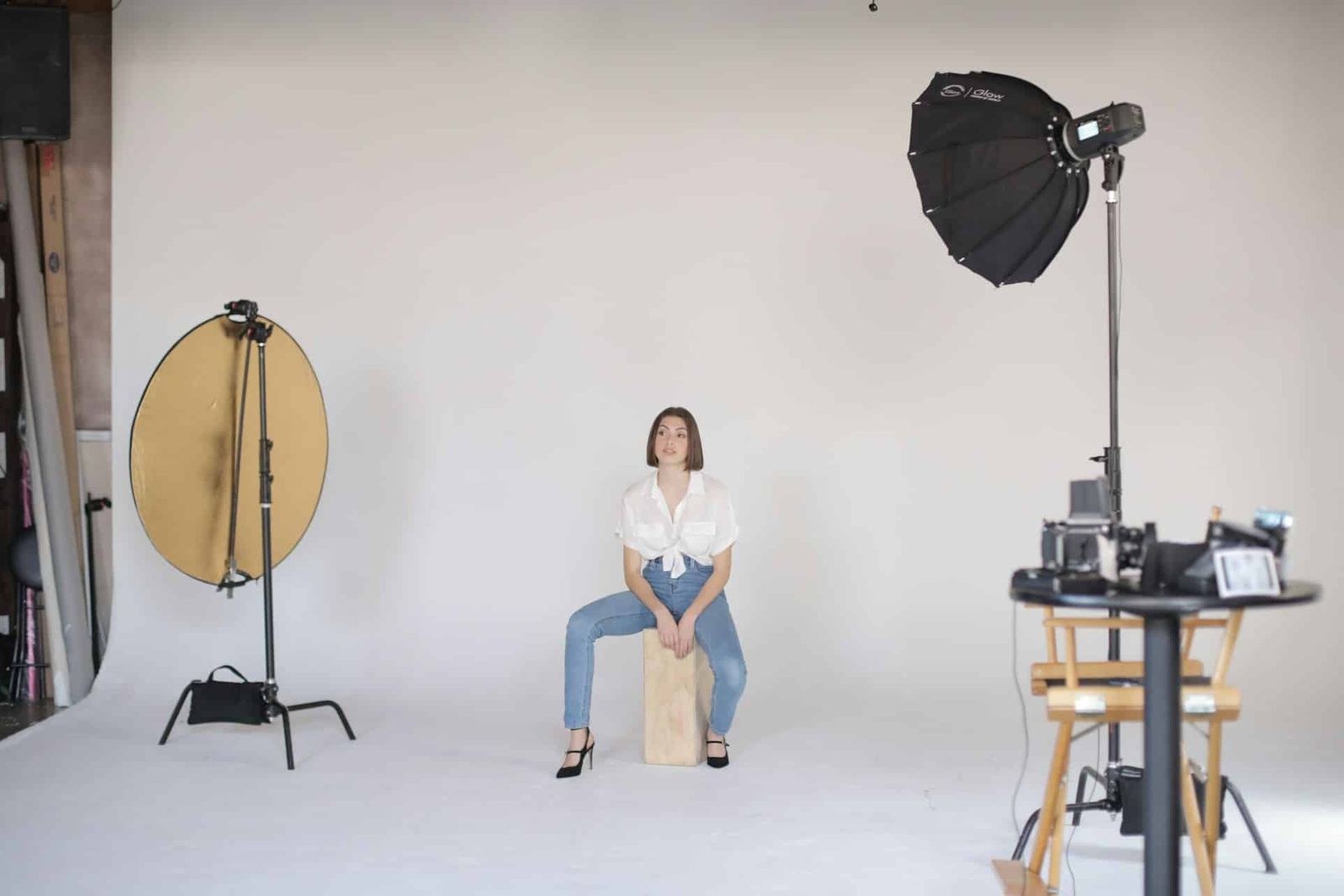
Compare the room, included equipment and booking terms with your shot list before choosing a studio. Start with the studio gallery, then check the set size, crew, camera positions, lighting, audio and load-in in person.
Leave room around the set for the crew, lighting and camera movement. Include setup and pack-out in the time you plan to book.
Define the project requirements
Write down the type of work: commercial, product video, interview, photo shoot, corporate content, or music video. Note the number of people, set pieces, movement, and recording needs.
Measure the largest set piece and the required camera-to-subject distance. List cameras, lenses, lighting, grip, power, and production-audio equipment separately.
If the project needs a cyc, green surface, custom colour, or built set, confirm what is already in the room and what must be supplied or added.
Use the same requirements when comparing each studio.
Compare the physical studio
Check stage dimensions, ceiling height, grid height, doors, dock height, parking, and the route from the truck to the stage. Confirm the floor plan against the planned camera positions and set footprint.
Review the included lighting and practical mounting points. For audio, assess acoustic treatment and sound isolation separately: treatment controls room reflections; isolation reduces outside noise.
Check the exact inclusion list rather than assuming backdrops, sets, cameras, or technical crew are provided. Confirm support rooms, manager access, optional equipment, and what the production must supply.
Build the full booking cost
Compare the base rate for the time required, then add equipment, repainting, overtime, crew, insurance and transport. Confirm taxes and any other project-specific costs.
- Confirm whether the rate is hourly, half-day, full-day, or another fixed window.
- List every add-on separately, including extra equipment and cyc repainting. Confirm whether access outside staffed hours can be arranged and whether it affects cost.
- Read the cancellation, rescheduling, overtime, and damage terms before paying.
Include the cost of extra rentals and transport when comparing rooms. Check whether the load-in and stage dimensions fit your equipment and set.
Check the room before booking
Review current photos, then visit the shortlisted studio with anyone who needs to assess the space. Bring the floor plan, shot list, set dimensions and equipment list.
Reviews and referrals can identify service issues, but verify physical and technical claims with the studio. A review may describe a different room, package, or date.
Before booking, confirm the room, load-in, included equipment, optional costs, access, audio, and cancellation terms in writing.
Studio selection checklist
Record dimensions, access, inclusions, add-ons, support spaces, location, available dates and total cost for each option.
Ask about any unlisted items before paying for the booking.
Viva Studio Rentals is a movie and photography studio at 777 The Queensway in Etobicoke. Its 2,000 sq ft stage has a 25 × 25 ft pre-lit white cyc, an 18 ft ceiling, and a grid at 13.5 ft. Book a free 30-minute Tech Scout to compare the room and base package with the project.