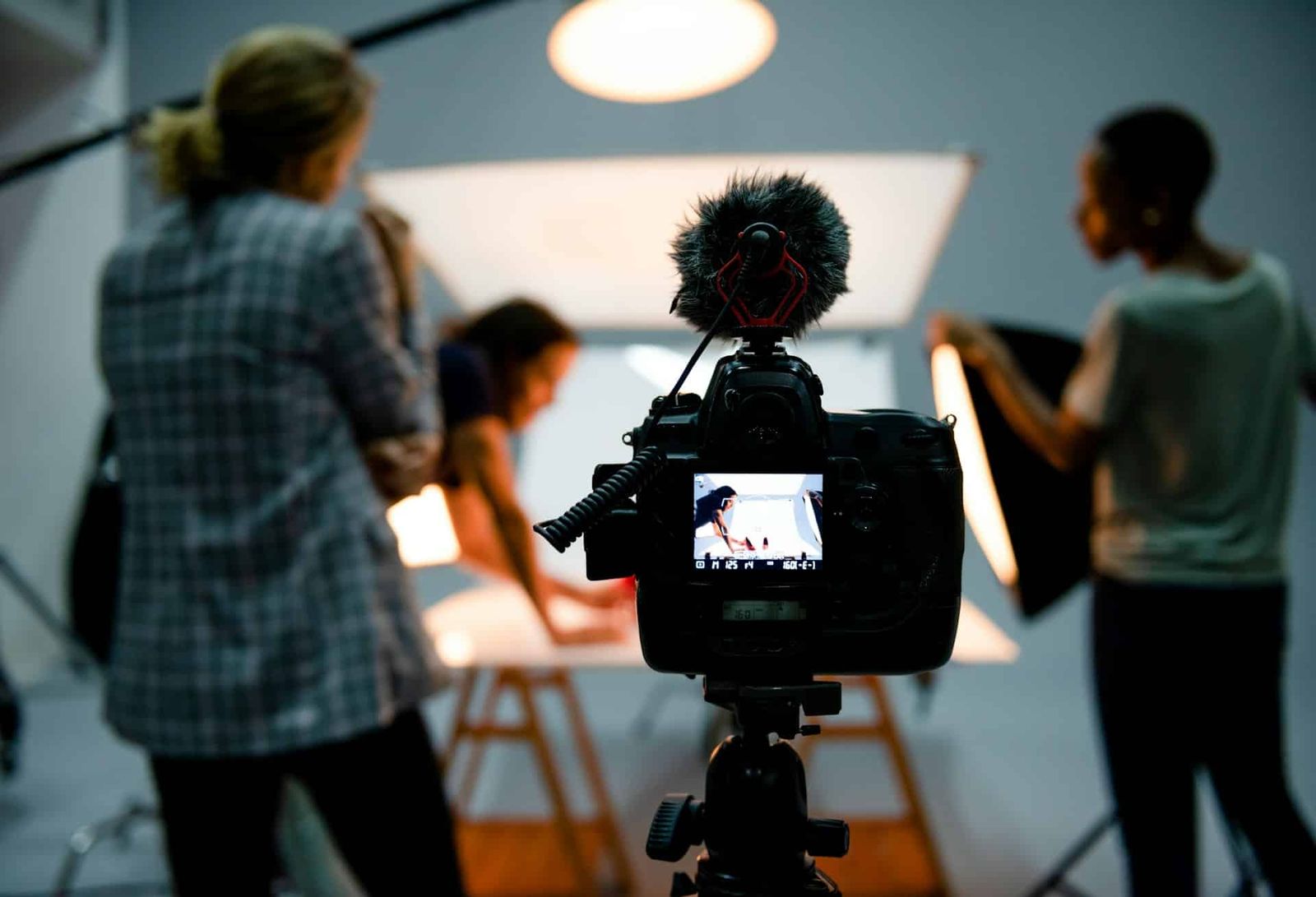
Select the studio setup from the required format, framing, camera movement, lighting, sound, background, crew, equipment, and booking window.
Toronto studios vary in size, layout, backgrounds, support rooms, load-in, and equipment. Compare those details with the actual shot list instead of assuming one setup fits every project.
Match the Layout to the Shot List
Match the room shape, usable floor area, and fixed features to the planned camera positions, lighting, sets, and crew paths.
- An open floor plan can support wide frames, camera movement, and more than one planned setup when the dimensions fit.
- A fixed set can reduce rebuilding when it matches the brief, but confirm its dimensions, lighting limits, sound conditions, and camera angles before booking.
- For overhead shots, confirm the camera position, load, rigging method, and qualified crew before booking. Do not assume that a drone or overhead rig is permitted.
- A modular set can support planned look changes when the production supplies or arranges the required walls, props, and labour.
Document the chosen camera, light, set, and crew positions on a floor plan.
Lighting Requirements by Content Format
When daylight is limited or variable, prepare and test an artificial-light plan.
- An installed grid can support planned rigging when its height and load limits fit the work. Viva’s grid is at 13.5 ft; confirm rigging before booking.
- Portable LED panels, strobes, and tube lights allow the production to choose fixture positions. Before booking, confirm what is included and what must be rented.
- Select modifiers from the required contrast, reflections, subject, and background. Run a practical test of the planned combination before the first setup.
- If window light matters, inspect it near the intended booking time and prepare fill or a fully artificial alternative.
Document fixture positions, output, modifiers, exposure, and white balance when later shots need to match.
Backgrounds, Floors, and Temporary Sets
Select the background from the framing, subject, lighting, surface, and post-production plan.
- If the shoot needs seamless paper, confirm its size and colour, then bring or source it separately.
- A cyclorama removes the visible floor-to-wall corner from the frame. The final result still depends on surface condition, lighting, subject placement, camera settings, and editing.
- A coloured floor changes the frame and may reflect colour into the subject. Before booking, test it with the planned lighting.
- If the plan uses temporary walls or partitions, confirm that the production will supply them and that the studio approves the build and restoration plan.
For a same-day content batch, include setup tests, file checks, approvals, and backups in the booked time.
Production Zones and Handoffs
Double-check the load-in route, cable paths, support-room assignments, and equipment staging before booking.
- Mark cable routes before placing equipment. Keep exits and walking paths clear.
- Use the 200 sq ft hair and makeup room for scheduled prep instead of storing wardrobe on the shooting floor.
- Use the client lounge as a separate review area when clients or crew need to watch footage.
- Designate a gear staging area for unpacking, preparation, and equipment kept off the shooting floor.
- Designate a dry media area for card handling, file labels, and verified backups.
Designate waiting, wardrobe, makeup, equipment, media, and review areas before load-in.
Facility Checks Before Booking
Before booking, confirm the production dates, booking window, and required access directly with the studio.
- The stage is sound-treated, not soundproof. Run a practical test of the planned microphones and room conditions before booking.
- Double-check room conditions and any temperature requirement before booking.
- Verify that the production’s vehicles, cases, carts, and set pieces fit the 4 ft truck-height dock, 8 × 10 ft door, and load-in route.
- The base studio package includes four Aputure Nova P300c lights, six C-Stands, 10 sound blankets, apple boxes, tables, and chairs.
Write down open questions about access, lighting, sound, equipment, and booking time, then close them before booking.
Viva Studio Rentals books one production per day with full and undivided use of the 4,500 sq ft facility during the booked window. The facility includes a 2,000 sq ft soundstage, a 25 × 25 ft pre-lit white cyc, a 200 sq ft green room, a 200 sq ft hair and makeup room, 1,000 sq ft of flex space, two kitchens, a client lounge, free parking, and a 4 ft truck-height loading dock. Cameras, lenses, additional lighting, and grip are available separately through Viva Camera at a fixed 25% studio-client discount.
Record the Studio Decision
Write down which room and setup supports each deliverable.
Include travel, parking, load-in, setup, and review time in the call sheet.
Designate owners for capture, review, backup, and delivery.
Choose the setup only after its dimensions, lighting, sound, equipment, and reset time fit the content plan. Review the Toronto studio rental.