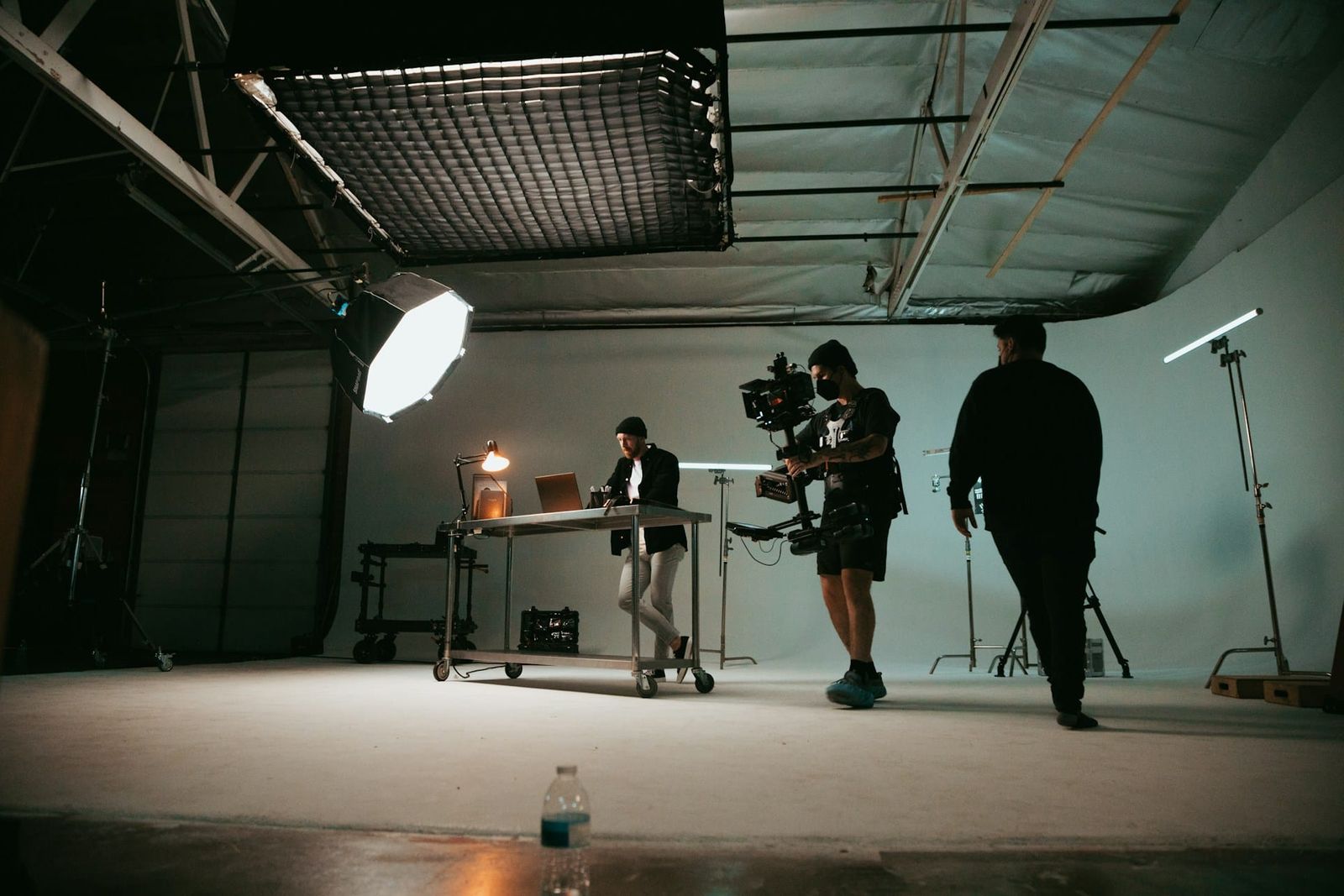
Select a movie studio by starting with the production plan, not only the rental price. Compare the shot list, crew, equipment, sound needs, access, and booking window with the actual facility.
Different projects need different layouts. Map the set, camera movement, lighting, audio, gear, talent, client areas, and schedule before comparing studios.
Define the Production Requirements
List the required deliverables, frame sizes, aspect ratios, production-audio needs, and approval process before comparing studios.
- For branded or scripted video, compare the set footprint, camera movement, lighting, and talent areas with the stage.
- For dialogue or explainer content, test reflections, outside noise, and the planned microphones in the room.
- Verify the camera movement, lighting, and floor area required by the shot list.
Map where the crew, gear, props, talent, and camera must move. Also plan the pace of the day: frequent setups need enough room and time for resets, while a scripted shoot may need separate areas for staging, rehearsal, and touch-ups.
Stage, Access, and Technical Checks
Double-check parking, load-in access, and the complete route used to move equipment into the stage.
- Verify the ceiling, grid height, planned rigging, and qualified crew before booking.
- Double-check technical requirements, cable routes, and room acoustics before the shoot.
- Ask whether blackout is available if the shot requires it. Do not assume a studio can block all daylight.
Double-check natural-light requirements, load-in, parking, equipment staging, blackout needs, and any restricted access point before booking.
Viva Studio Rentals provides a 2,000 sq ft soundstage, a 25 × 25 ft pre-lit white cyc, a 4 ft truck-height loading dock, and an 8 × 10 ft door. Crews should confirm lighting, grip, power, and access requirements before booking.
Map Crew and Equipment Zones
A two-person sit-down interview and a full-day product shoot can require different floor space, support rooms, equipment staging, and booking windows. Compare those needs with the facility before booking.
- The base studio package includes four Aputure Nova P300c lights, six C-Stands, 10 sound blankets, apple boxes, tables, and chairs.
- For a large crew, map equipment, prep, staging, client, and wrap zones.
- For a mixed stills-and-video booking, list each equipment, set, lighting, and audio change.
Compare the usable zones and traffic paths with the planned sets, camera positions, lighting, gear, and crew. A large room can still be a poor fit when those elements compete for floor space.
Viva Studio Rentals books one production per day, giving that production full and undivided use of the 4,500 sq ft facility during the booked window. The facility includes support rooms, 1,000 sq ft of flex space for sets and staging, a client lounge, and free parking.
Apply the Checks to Common Video Formats
Match the studio dimensions and layout to the shot list, camera movement, set, lighting, crew, and support-space needs.
- For interviews or talking-head videos, assess reflections, outside noise, microphone placement, background, eyeline, and room for the camera and lighting crew.
- For a music shoot, map the performers, camera movement, set pieces, and lighting positions.
- For branded content, include wardrobe, hair and makeup, client review, gear changes, and pickups in the floor plan and schedule.
Write down the dimensions, equipment, crew, and reset time assigned to each setup.
Use a Tech Scout Before Booking
If the shot depends on daylight, inspect the proposed location at the planned time or build a tested artificial-lighting plan.
- Do not assume a studio has usable window light. Ask for current photos and confirm the lighting plan against the room and booking window.
- Review the loading route and assign staging for cases, carts, and equipment.
- Compare the floor plan and photos with the actual room so slopes, gaps, and unusual dimensions are identified before booking.
Use measurements from the Tech Scout to prepare blocking, lighting, camera, set, and staging diagrams before load-in.
Record the Studio Decision
Evaluate the stage dimensions, load-in, support rooms, sound limits, and equipment with the shot plan before booking.
Write down unresolved access, sound, equipment, or schedule questions and close them before booking.
Match the script, blocking, set dimensions, load-in, sound plan, and booking window to the facility before choosing the studio. Review the Toronto studio rental.