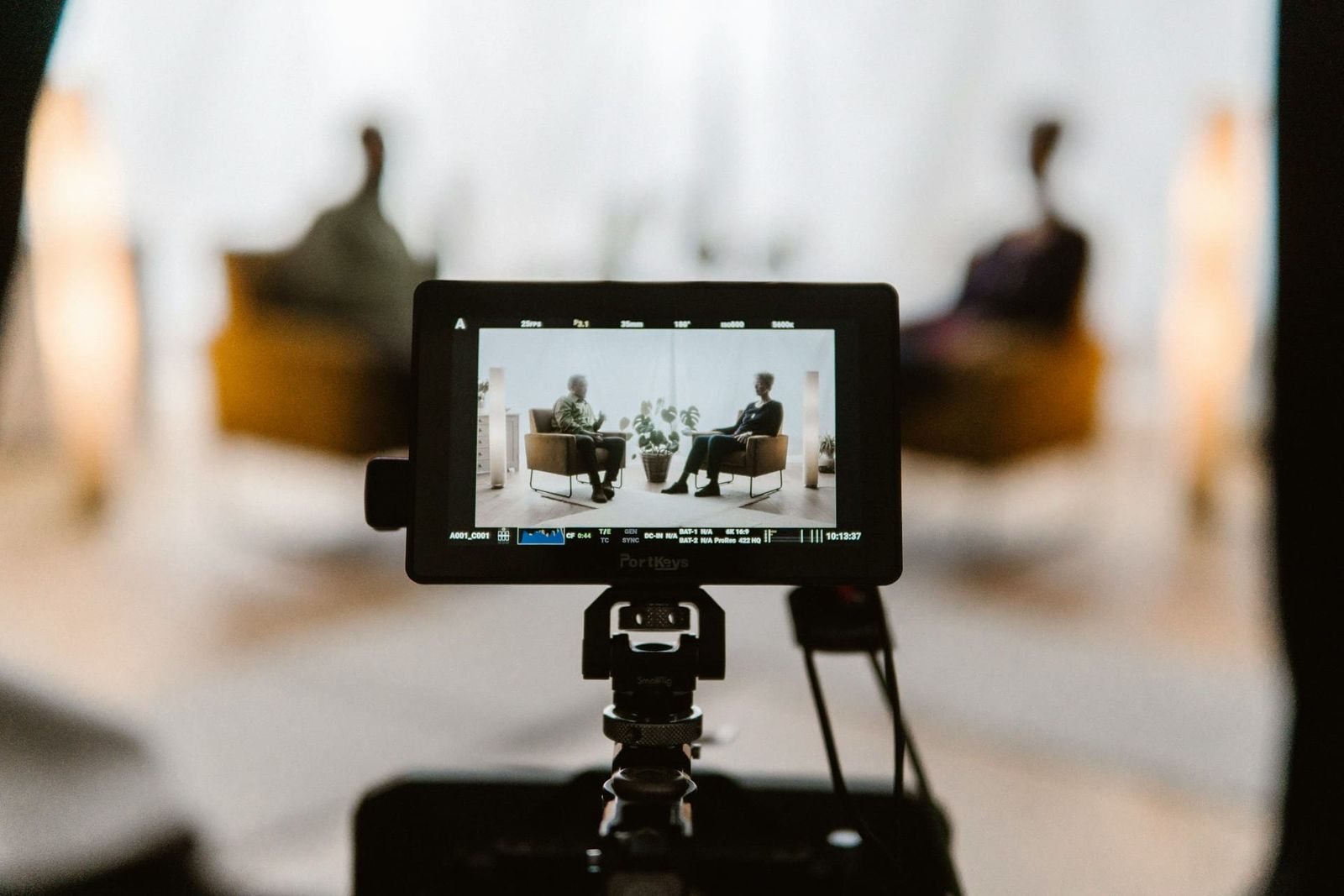
Document the required short videos, product photos, interviews, and client assets before building the studio batch.
A film studio rental gives the team one stage and booking window for a planned content batch. Group deliverables by shared set, lighting, wardrobe, and camera position.
Choose the Deliverables and Shared Setups
Use one approved set plan for each content batch.
- Write down fixture positions, camera settings, and subject marks when a setup must repeat.
- Include travel and load-in in the call sheet when weather may affect arrival.
- Schedule setup, tests, takes, approvals, resets, and wrap within the booked window.
Select an indoor or outdoor location from the shot list, release schedule, weather risk, and production requirements.
Build the Setup Order
Define the required deliverables before the booking, then group shots that can share a set, lighting plan, wardrobe, or camera position.
- Document every required deliverable, then order the session by shared setup.
- Prepare backgrounds and camera angles before talent is called to the set.
- The amount of content completed in one booking depends on the shot list, setup changes, crew, approvals, and booked time.
Batch filming can reduce repeated setup when several deliverables share the same tested production plan.
Record Brand Continuity
Use the recorded lighting, set, camera, and post-production settings for every deliverable that must match.
- Bring approved brand colours and test them under the planned lighting.
- Double-check wardrobe, props, signs, and packaging in the frame before recording.
- Document an approved setup before using it across video, stills, and other channel formats.
Write down the approved colours, framing, type placement, and crop requirements for each channel.
Crew Roles for a Small Team
Small teams should confirm who will handle setup, camera, lighting, audio, talent, file management, and wrap. The studio rental does not replace those production roles.
- Verify the included lights and build each setup before talent arrives. Additional lighting and grip are available separately through Viva Camera at the fixed 25% studio-client discount.
- Bring or arrange the backgrounds, furniture, props, and set pieces the shot list requires.
- The stage is sound-treated, not soundproof. Run a practical test of dialogue or live-audio needs before booking and bring the audio crew and equipment the shoot requires.
One location removes company moves. Designate the crew, approval points, and review time separately.
Plan Travel, Parking, and Load-In
Evaluate location, parking, load-in, transit, and travel time with the crew and equipment plan.
- The Etobicoke facility has free on-site parking, a 4 ft truck-height loading dock, and an 8 × 10 ft door. Confirm the vehicles, cases, carts, and set pieces against the route.
- Double-check each crew member's route, parking, and transit plan before the shoot, and allow extra travel time where needed.
- Bring a complete prop, wardrobe, consumables, and equipment checklist. Confirm every optional rental and pickup before the production date.
Reserve time and access for pickups or retakes; they still require talent, crew, equipment, and studio availability.
Review Each Deliverable
Review framing, exposure, sound, and brand details before each setup is cleared.
Reserve time for script changes, lighting adjustments, pickups, and wrap.
Select the production date from the release schedule, studio availability, crew availability, and time required for shooting and post-production.
Viva Studio Rentals books one production per day with full and undivided use of the 4,500 sq ft facility during the booked window. The facility includes a 2,000 sq ft soundstage, a 25 × 25 ft pre-lit white cyc, support rooms, a 4 ft truck-height loading dock, and free on-site parking.
Book only after the content list, setup order, crew roles, equipment, and delivery plan fit the selected studio window. Review rates and booking options.